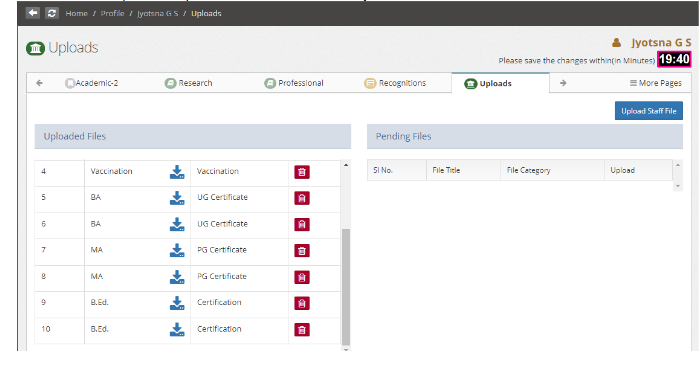
How to download Staff documents
Introduction:
HRMS is an indigenous application that helps the Organization accumulate and maintain Human Resource data. This document illustrates how to download the documents of individual staff
Getting Started:
To access the Human Resource Management System
Open an internet browser (Recommended to use Google Chrome)
Type https://my.amrita.edu/ and click enter
Login with your amrita email id and password.
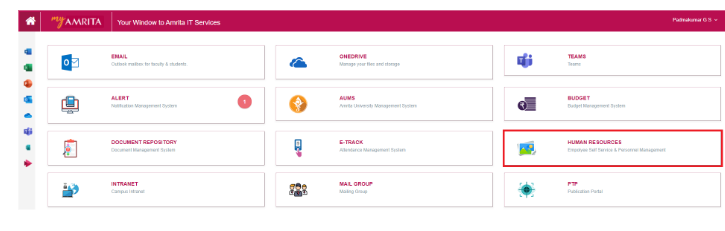
Click HUMAN RESOURCES.
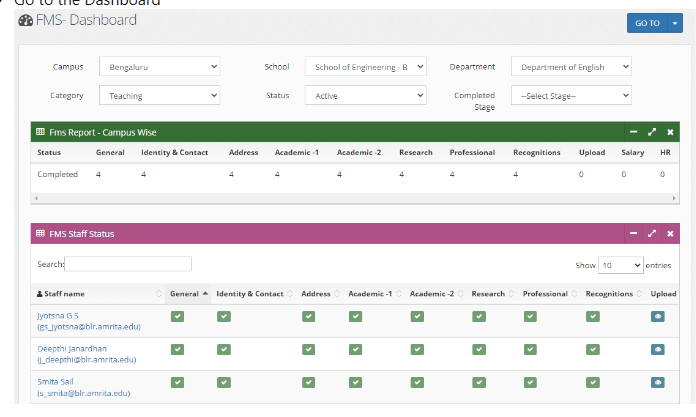
Go to the Dashboard
Go to the staff profile, Upload session. From here you can download the staff documents.